Your phone builds native apps - faster and cheaper
Skip the agencies, the laptops, and the six-figure quotes. Struklio is the first mobile-to-mobile builder that lets you drag real components, preview live, and ship to the App Store - all from the device in your pocket. What used to take months and a dev team now happens in a fraction of the time and cost.

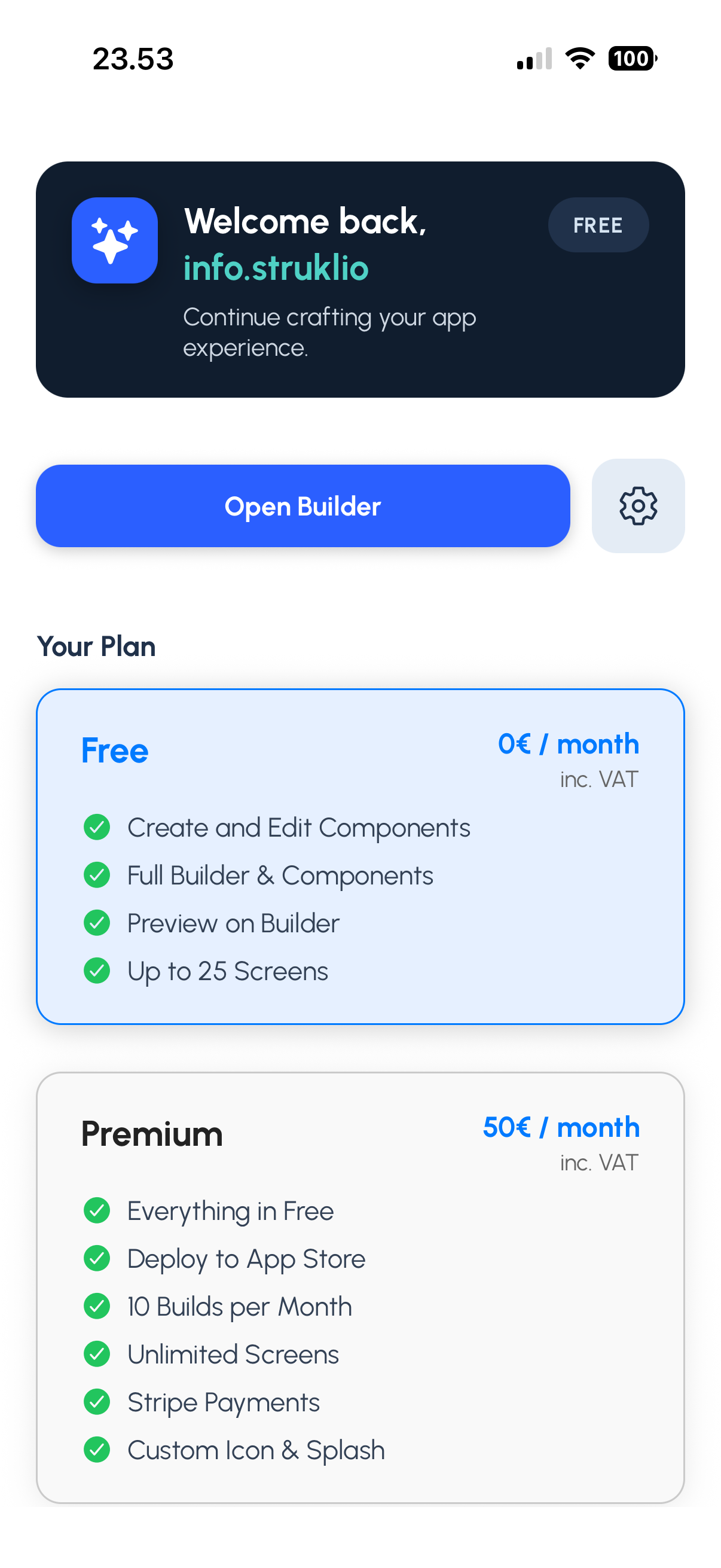
Zero code required
Pick from real, production-ready components and arrange them visually. No programming skills needed.
Drag, drop, and publish - all from your phone.You own everything
Your app, your source code, your store listing. We build it - you keep full ownership and control.
No lock-in, no vendor dependency.App Store at launch
We sign, build, and submit to the App Store so you don't have to figure it out.
Google Play support is coming soon.
Build, test, and publish a real mobile app without touching code.
Everything happens inside the Struklio mobile app.
Think it. Build it. Ship it. In minutes, not months.
You have an idea for an app. We give you the tools to make it real - no code, no laptop, no waiting. Just open Struklio, pick what you need, arrange it your way, and hit publish.
Template or blank canvas
Pick a starting point and go live in minutes.
Your idea, your layout
Mix components until it feels right.
Always unique
Same tools, never the same result.
Full control
Colors, content, structure - all yours to change.
Grow with it
Start simple, add more when you need it.
We built the components. You decide what they become. The only limit is what you can imagine.
Why this doesn't exist anywhere else
Other app builders need your laptop, your patience, and months of your time. Struklio works entirely from your phone - the same device your future users hold. That's not a workaround. That's the product.
Built on your phone, runs natively on theirs
No web wrappers, no shortcuts. Real iOS and Android apps.
No laptop. No desktop. Ever.
Design, preview, build, and publish without touching a computer.
No coding. No design skills.
If you can scroll and tap, you can build an app.
You own what you ship
Your app, your store listing, your developer account. We just get it there.
Speed that shouldn't be possible
Go from idea to a real build faster than most teams write a brief.
From zero to real app - here's the path
Grab Struklio
Find us on the App Store. One download, you're in.
Sign in and start
Tap Sign in with Apple or Google. Account ready in seconds.
Pick your starting point
Choose a template or start blank. Free plan, no commitment.
Make it yours
Drag components, edit content, preview live on your screen. What you see is what your users get.
Ship it
One tap to build. Real native app, pushed to the App Store, owned entirely by you. Google Play is coming soon.
Ready? Start here.
Jump in free
Create a project, explore the builder, break things, redo them. No pressure, no timer.
Preview as you go
See your app live on your phone while you build. No surprises later.
Go live when it feels right
Upgrade to Premium only when you're ready to ship to the real stores.
Need a hand?
Check Getting Started or reach out to a real person at Support. We're here.